Guides
-
Club Penguin Rewritten: Furniture Catalog Secrets – August 2021
A new Better Igloos catalog has been released on Club Penguin Rewritten! There’s several new pages to explore, mainly themed around music and returning to school!
View all secrets here
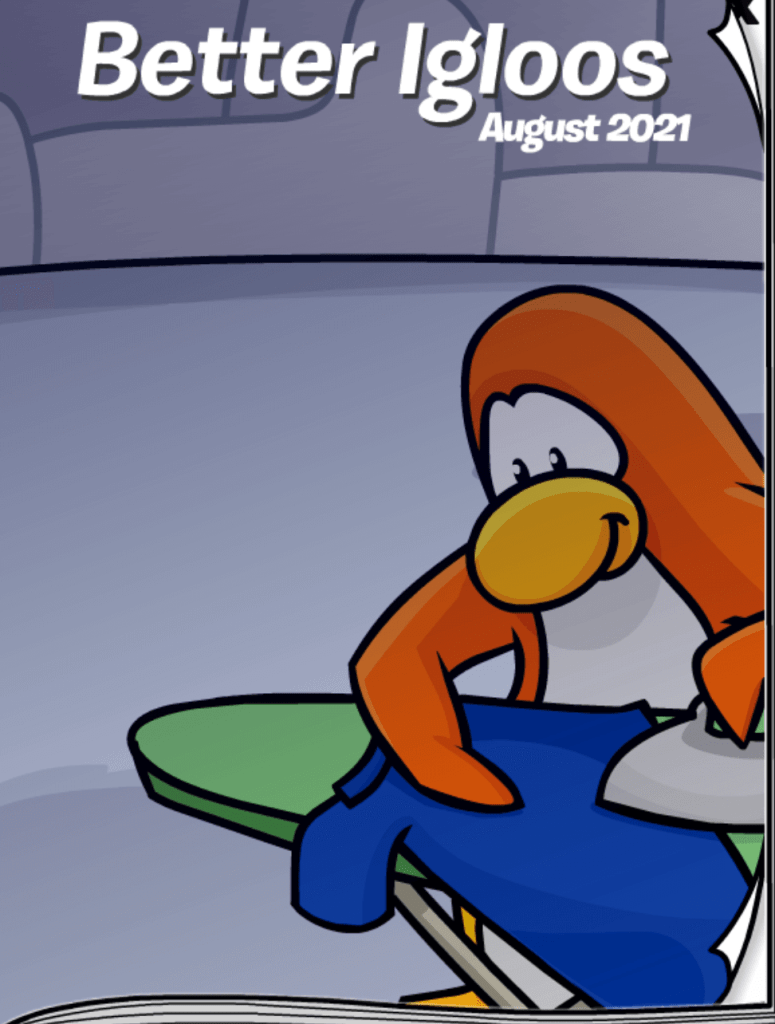
As always, in this post, I will be sharing all the secrets/cheats inside the catalog! A circle and an arrow represents that a secret is hidden there and the image next to it is the item which you can get by clicking there.
Page one contains the Broom and CPU Locker.

Page two contains the CPU Student Desk.

Page three contains the Garden.

Page four contains the Ice Block, Laboratory Desk, and Peppy Stage Poster.

Page five contains the Pop Art Painting and Plush Gray Chair.

Page six contains the Stage Curtain.

Page seven contains the Wall Clock and Station Bench.

I am pretty certain this covers all the cheats/secrets, but I will update it immediately if not! Thank you very much for reading, be sure to check back for more of the latest news and guides for Club Penguin Rewritten!
Waddle on!
-Torres 126
-
CP Rewritten: Gold Medal Code
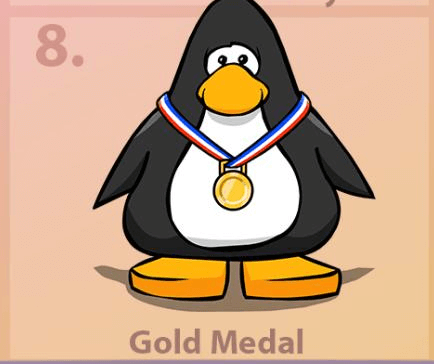
As Club Penguin Rewritten has now surpassed ten million registered users, there will be a new item released each day for ten days. Today’s item for day eight is the Gold Medal from the Penguin Games, and the code is fYncjtEU.
Here is how to redeem the code:
- Go to the start page of the game, before logging in
- Click “Unlock Items Online” in the top right corner
- Click “I have a code”
- Enter the code which you read here into the box
- Click “Done” and you will have your items!
Thank you very much for reading, be sure to check back for more of the latest Club Penguin Rewritten news and guides!
Waddle on!
-Torres 126 -
CP Rewritten: Winter Camo Jetpack Code
As Club Penguin Rewritten has now surpassed ten million registered users, there will be a new item released each day for ten days. Today’s item for day seven is the Winter Camo Jetpack, and the code is XfsKNKjN. This is one of my favourite items from the holiday selection, so I’d recommend picking it up!
Here is how to redeem the code:
- Go to the start page of the game, before logging in
- Click “Unlock Items Online” in the top right corner
- Click “I have a code”
- Enter the code which you read here into the box
- Click “Done” and you will have your items!

Thank you very much for reading, be sure to check back for more of the latest Club Penguin Rewritten news and guides!
Waddle on!
-Torres 126 -
CP Rewritten: Obtaining the Band Background
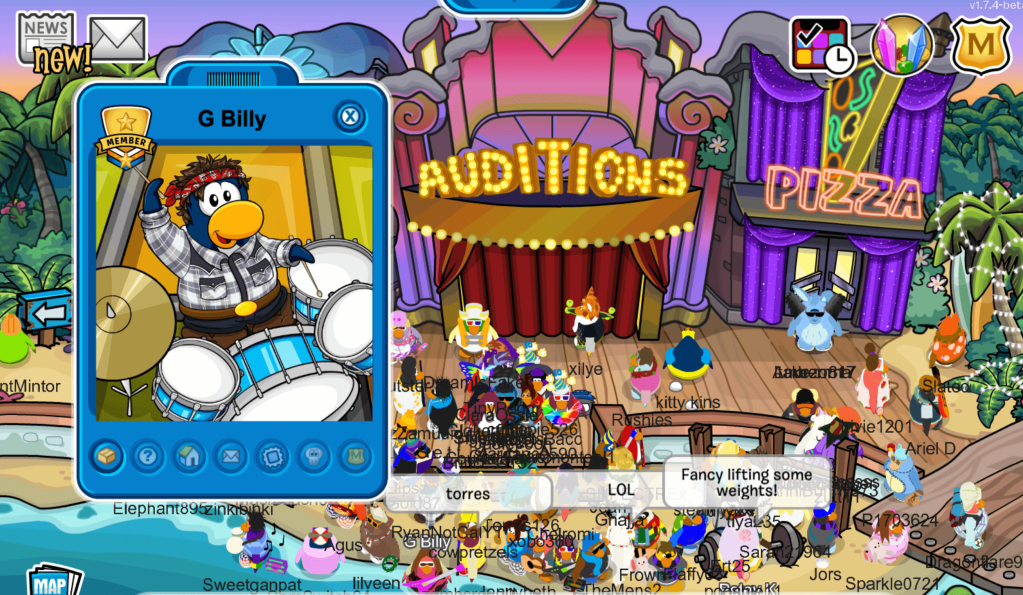
It’s possible to once again obtain a background showing the Penguin Band in the earlier years! You don’t need to meet them in order to receive this – all you need to do is press E and T on your keyboard (to perform the toot emote). If you don’t already have the background, you’ll then be offered it!

I should also note that the Penguin Band are visiting with a more modern background, which is new. In order to obtain that one, you will need to meet them! They’ve already begun visiting the island, but they’ll be making plenty more visits throughout the Music Jam.
For the best chance of meeting them, I’d recommend checking the Penguin Band Tracker here.
Thank you very much for reading, be sure to check back for more of the latest Club Penguin Rewritten news and guides!
Waddle on!
-Torres 126 -
CP Rewritten: Music Jam 2021 – Full Guide
Following much anticipation, the Music Jam has begun on Club Penguin Rewritten! The majority of the event is based around the beautiful sunset decorations on the island, but there are a couple of points worth noting in this guide, so here they are!
Main Party Rooms
Here are all the new rooms which are exclusive to this event:
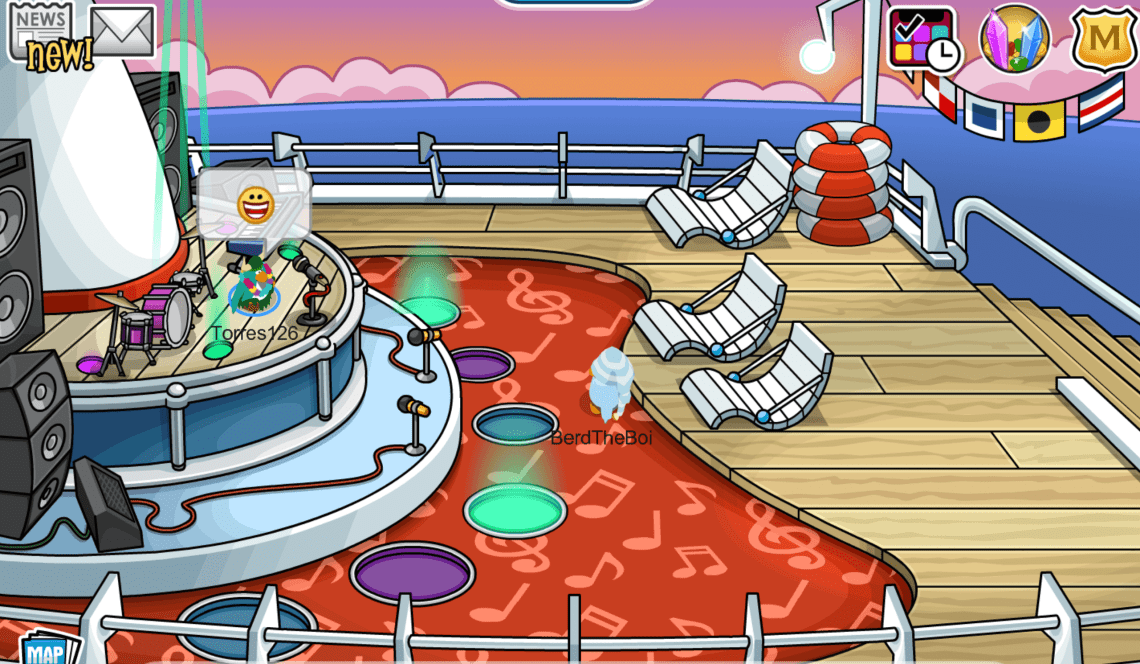
- Cruise Ship (accessible from the Dock) – contains the Pool and Deck
- Snack Shack (accessible from the Snow Forts) – contains this and the Snack Shack Backstage
- Casa Fiesta (accessible from the Dock) – currently closed

Music Jam Dialog: Items & VIP Pass
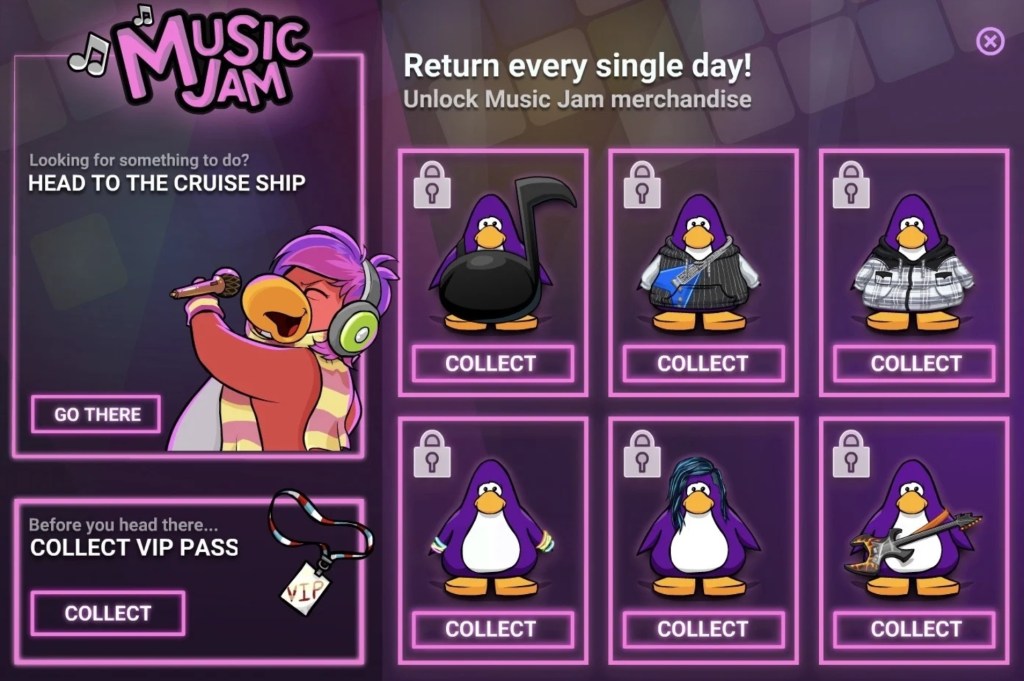
The first thing which I’d recommend doing is collecting the VIP Pass from the Music Jam dialog, which can be opened by clicking the top right icon on your screen. This will allow you to enter the Cruise Ship and receive the full experience of this event.
As you will also see, there’s six items which you can also come back and collect each day.
Sunset Beach & Band Backgrounds
This is the only item which is hidden on the island this year. In order to obtain it, assuming you don’t already have it:
- Head to the Snow Forts
- Enter the building which says “Snack Shack” – this is a new room exclusive to the Music Jam
- Waddle through the two gates at the top of the room to enter the Snack Shack Backstage
- Press the camera while standing in front of it, as shown below

If you press E and T on your keyboard, as if you were performing a toot emote, you’ll also be able to collect the Band Background if you don’t already have it.
Mascots
Several mascots will continue visiting for the 10m Players Celebration, however you should expect an especially large number of visits from the Penguin Band who are confirmed for this event! It was stated by the team that they would be visiting with this new background, although that was over two months ago now.
There’s been no official confirmation on Cadence or DJ Maxx yet, but they tend to visit for this event too so keep your eyes peeled! As always, you can find the Mascot Trackers here.

Thank you very much for reading, be sure to check back for more of the latest Club Penguin Rewritten news and guides!
Waddle on!
-Torres 126 -
CP Rewritten: Herbert Disguise Code
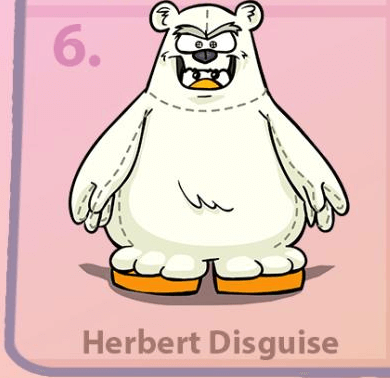
As Club Penguin Rewritten has now surpassed ten million registered users, there will be a new item released each day for ten days. Today’s item for day six is the Herbert Disguise, and the code is HxomceEd.
Here is how to redeem the code:
- Go to the start page of the game, before logging in
- Click “Unlock Items Online” in the top right corner
- Click “I have a code”
- Enter the code which you read here into the box
- Click “Done” and you will have your items!
Thank you very much for reading, be sure to check back for more of the latest Club Penguin Rewritten news and guides!
Waddle on!
-Torres 126 -
CP Rewritten: Purple Wizard Hat Code
As Club Penguin Rewritten has now surpassed ten million registered users, there will be a new item released each day for ten days. Today’s item for day five is the Purple Wizard Hat, and the code is AmdYrYfr.
Here is how to redeem the code:
- Go to the start page of the game, before logging in
- Click “Unlock Items Online” in the top right corner
- Click “I have a code”
- Enter the code which you read here into the box
- Click “Done” and you will have your items!

Thank you very much for reading, be sure to check back for more of the latest Club Penguin Rewritten news and guides!
Waddle on!
-Torres 126 -
CP Rewritten: Purple Halloween Scarf Code
As Club Penguin Rewritten has now surpassed ten million registered users, there will be a new item released each day for ten days. Today’s item for day four is the Purple Halloween Scarf, and the code is JuFauPrX.
Here is how to redeem the code:
- Go to the start page of the game, before logging in
- Click “Unlock Items Online” in the top right corner
- Click “I have a code”
- Enter the code which you read here into the box
- Click “Done” and you will have your items!

Thank you very much for reading, be sure to check back for more of the latest Club Penguin Rewritten news and guides!
Waddle on!
-Torres 126 -
Club Penguin Rewritten: August 2021 Penguin Style Secrets
A new Penguin Style has been released on Club Penguin Rewritten for August! It contains a huge range of items, including lots of different custom ones!
View all Penguin Style secrets here
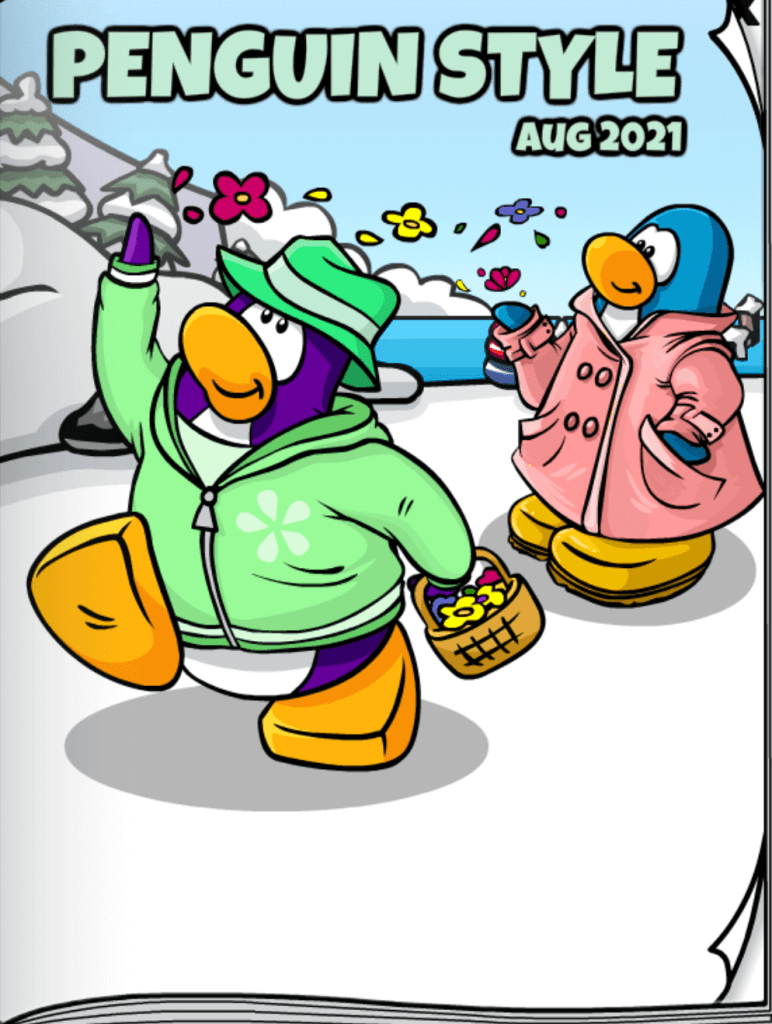
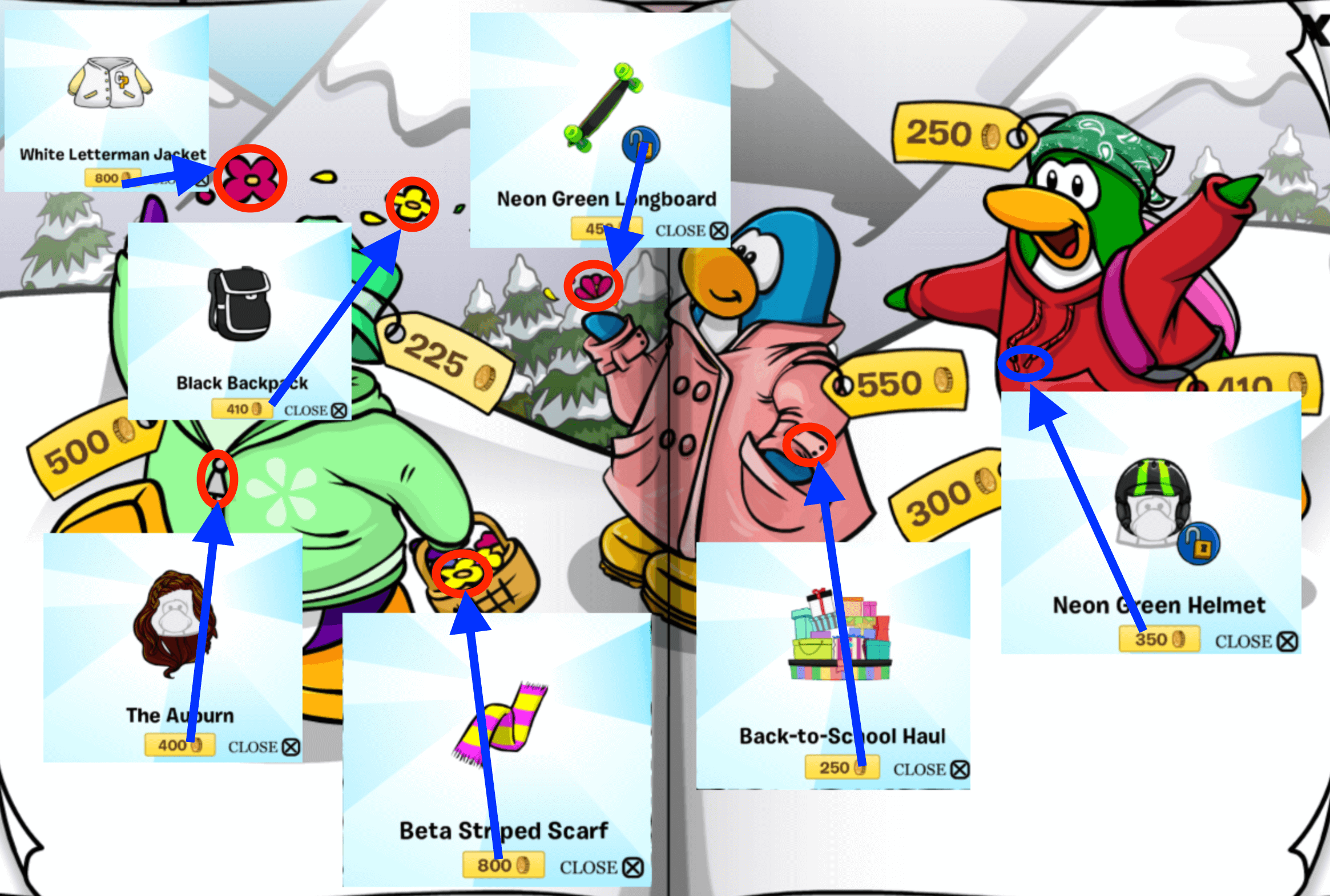
In this post, I will be sharing all the secrets (or cheats) inside the catalog! A circle and arrow represents that a secret is hidden there and the image next to it is the item which you can get by clicking there.
Page one contains six items: The Trend, Life Jacket, Floppy Hat, Purple Viking Helmet, Alumni Jacket and The Spike n’ Style.

Page two contains the White Admiral’s Hat, Red and White Sneaks, The Right On, Hot Cross Bun, Breezy Dress, and Raven Wings.

Page three contains further items: the White Letterman Jacket, Black Backpack, Neon Green Longboard, The Auburn, Beta Striped Scarf, Back-to-School Haul and the Neon Green Helmet.
Page four contains the Orange Skate Spike Helmet, Chef Costume, Petal Dress, The Big Look, the Dark Cloak and the Darker Cloak.

Page five contains The Giggles, Bubble Gum, Pink Outfit, Blue Outfit and Brighter Boots.

Thanks AgentFrog1 for informing me about this update! Whilst it is possible that an item could’ve been missed, this post will be updated immediately if it is incorrect. For now, I am fairly certain that these are all the secrets! I hope that this guide helped, thank you very much for reading!
Waddle on!
-Torres 126
-
CP Rewritten: Stuffed Bunny Code
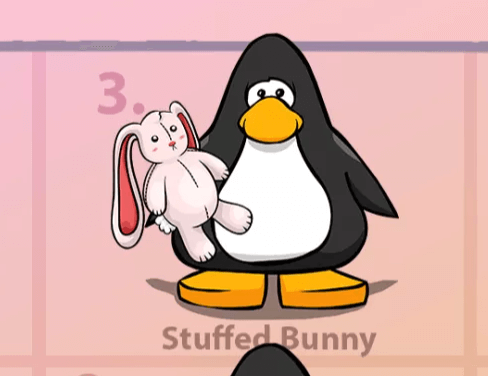
As Club Penguin Rewritten has now surpassed ten million registered users, there will be a new item released each day for ten days. Today’s item for day three is the Stuffed Bunny, and the code is yioCgoLF.
Here is how to redeem the code:
- Go to the start page of the game, before logging in
- Click “Unlock Items Online” in the top right corner
- Click “I have a code”
- Enter the code which you read here into the box
- Click “Done” and you will have your items!
Thank you very much for reading, be sure to check back for more of the latest Club Penguin Rewritten news and guides!
Waddle on!
-Torres 126